

Product · Reviews
Asked at the right moment.
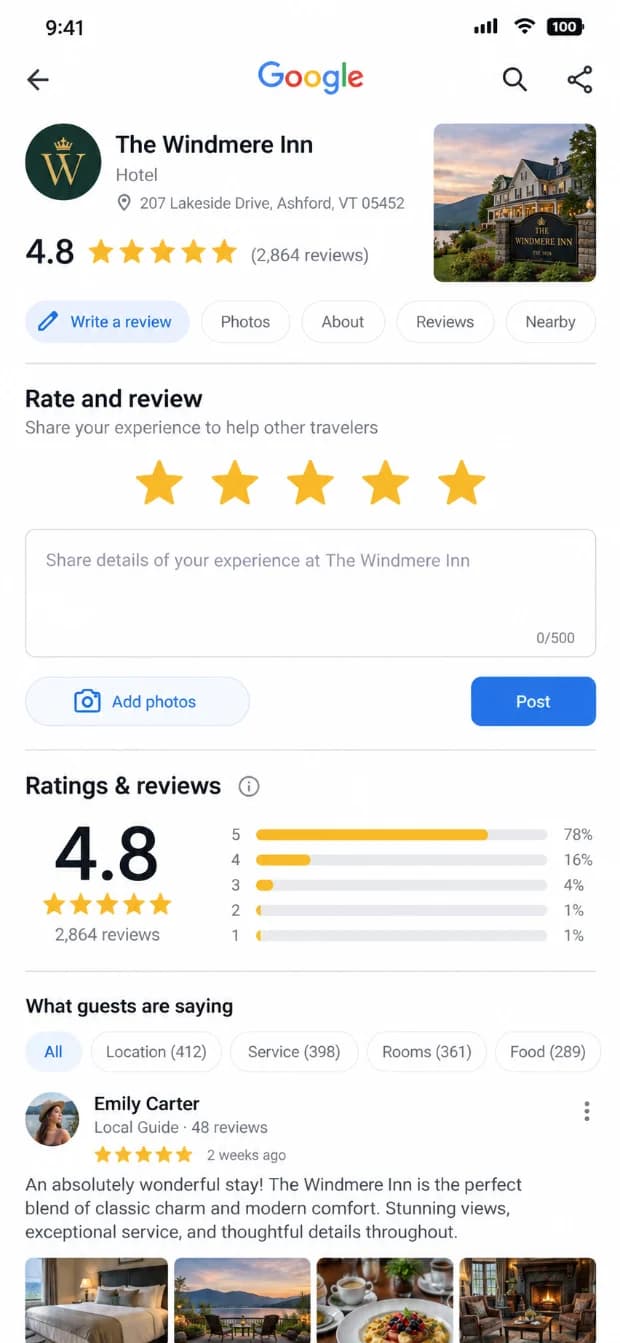
The Tile's Review version goes straight to your Google review page — at checkout, not mid-stay. No intermediate screen, no filtering, no gating.
What the guest sees
A guest taps the Review tile and Google opens. That is the whole flow. Nothing sits in between to sort happy guests from unhappy ones.
What the hotel sees
How often each review tag was tapped, day by day. We see the tap, not whether a review was then written, so we never claim one.
dashboard
Themes
What guests keep bringing up.
- Reviews from Google, Booking.com and Expedia, read in one place inside your dashboard.
- Phrases guests repeat are grouped into themes, with the sentences they wrote behind each one.
- A theme's split is the rating those guests gave. Nothing here scores a mood.
- Read-only, always. We never post, reply to or flag a review.
A mention is a phrase in a review. Positive and negative are the rating that guest gave — not a reading of their words.
- 22 positive · 3 negative
Staff
“The front desk remembered our name on day two.” - 14 positive · 6 negative
Breakfast
“Breakfast was busy at nine but the coffee was good.” - 4 positive · 9 negative
Check-in wait
“Check-in took forty minutes with two people ahead of us.” - 6 positive · 7 negative
Room condition
“The room was clean but the bathroom is dated.”
What's counted, and what isn't
Counted
Taps on each review tag, by day.
Not counted
Reviews. Google counts reviews; we count taps. We never add the two together or say which review came from a tap.